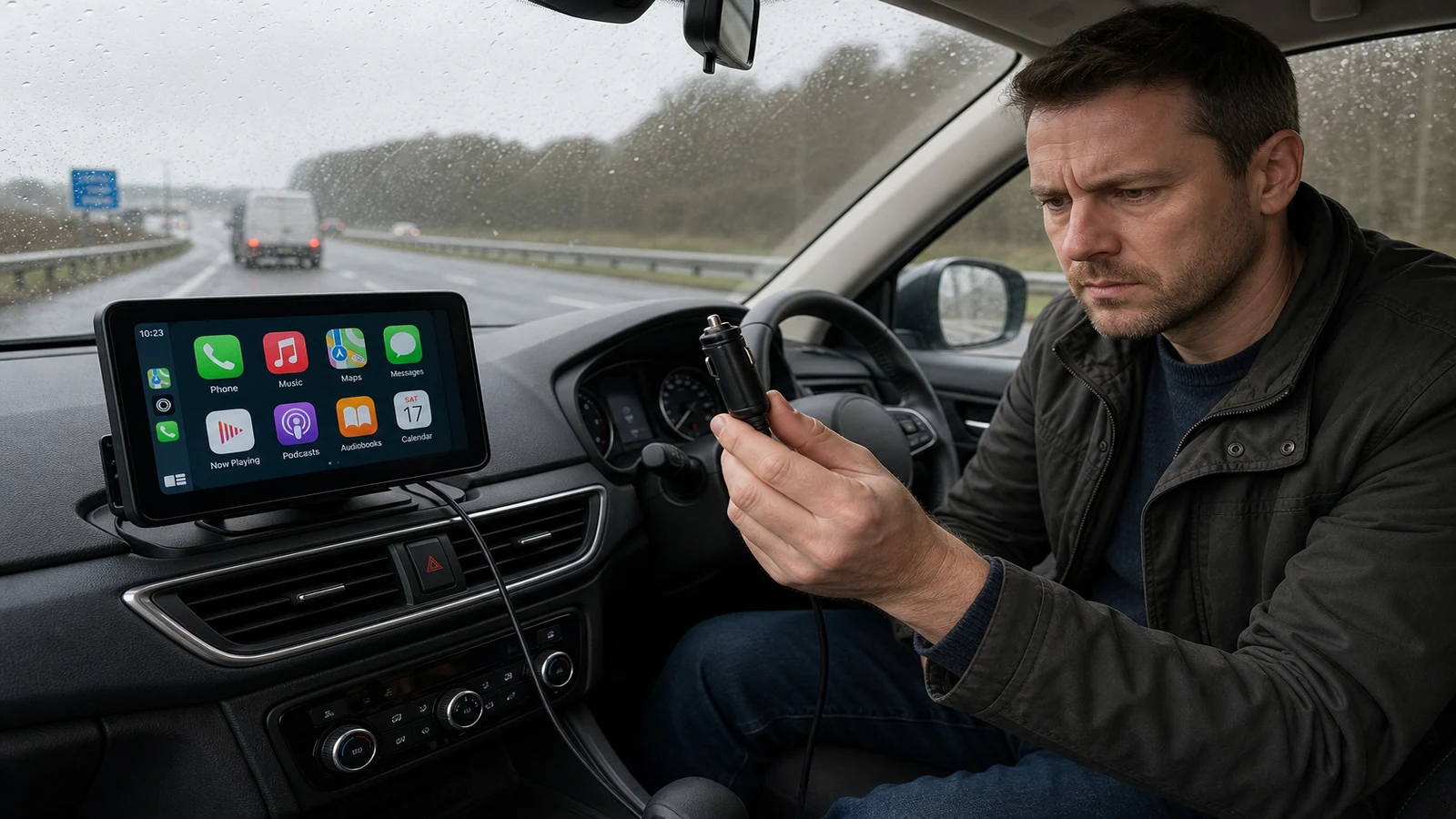
Portable CarPlay screen keeps disconnecting
Mid-drive dropouts on a portable wireless CarPlay or Android Auto screen are frustrating, but the cause is often mundane: loose 12V power, a phone that sleeps, or Wi-Fi congestion on the 2.4 GHz band. Work through power and radio issues before assuming the hardware is faulty. No portable unit can honestly promise it will never disconnect in every UK car and phone combination.
Dropout symptoms to separate
Lag—maps freezing for a few seconds—is different from a full disconnect where CarPlay exits and you must re-open it. Audio stutter over FM can be interference even when the data link is fine. Note which symptom you see; it narrows the fix.
Check 12V power first
- Push the plug firmly into the socket; worn lighter sockets vibrate loose on UK B-roads.
- Try a different 12V outlet if the car has rear or boot sockets on the same circuit.
- Avoid splitters that cannot sustain peak draw when the screen, dash cam and phone charge simultaneously.
- Watch for reboot logos on the screen—that usually means power dipped, not a CarPlay bug.
Bluetooth and Wi-Fi conflicts
Wireless CarPlay uses Bluetooth to pair and Wi-Fi for the session. Other devices on the phone—smartwatch, headphones, hotspot—can interrupt that handshake. Crowded home Wi-Fi channels spill into the car when you park on the drive; on the move, microwave ovens and nearby hotspots matter less, but phone battery savers do not.
- Turn off unused Bluetooth accessories during the commute.
- Disable aggressive Low Power Mode while navigating.
- Forget duplicate old CarPlay entries in iOS or Android Auto settings.
- Keep the phone off a metal dash tray that blocks the antenna.
Forget and re-pair cleanly
- Delete the screen from the phone’s Bluetooth and CarPlay/Android Auto lists.
- Factory-reset wireless pairings on the screen if the manual allows.
- Reboot the phone and power-cycle the unit from 12V.
- Pair again with the car parked and Wi-Fi enabled on the phone.
- Test a short local drive before a motorway run.
If dropouts persist only on one vehicle, compare socket voltage and mount position. If they follow the screen across cars, review warranty and returns on the listing you bought.
When to review the hardware listing
When the checklist is exhausted and the unit still drops sessions daily, compare your expectations with the specification on the DashScreen portable wireless CarPlay display page and use the seller’s returns route if the device is faulty.
Is lag the same as a disconnect?
No. Lag is often signal or app load; a disconnect returns you to the home screen or phone.
Can a dash cam on the same unit cause dropouts?
Sharing power and processor load can contribute. Test with recording features off to isolate the cause.
Does wireless always drop more than wired CarPlay?
Wireless is more sensitive to power and Wi-Fi conditions, but a stable 12V feed and clean pairing usually keeps commutes reliable.