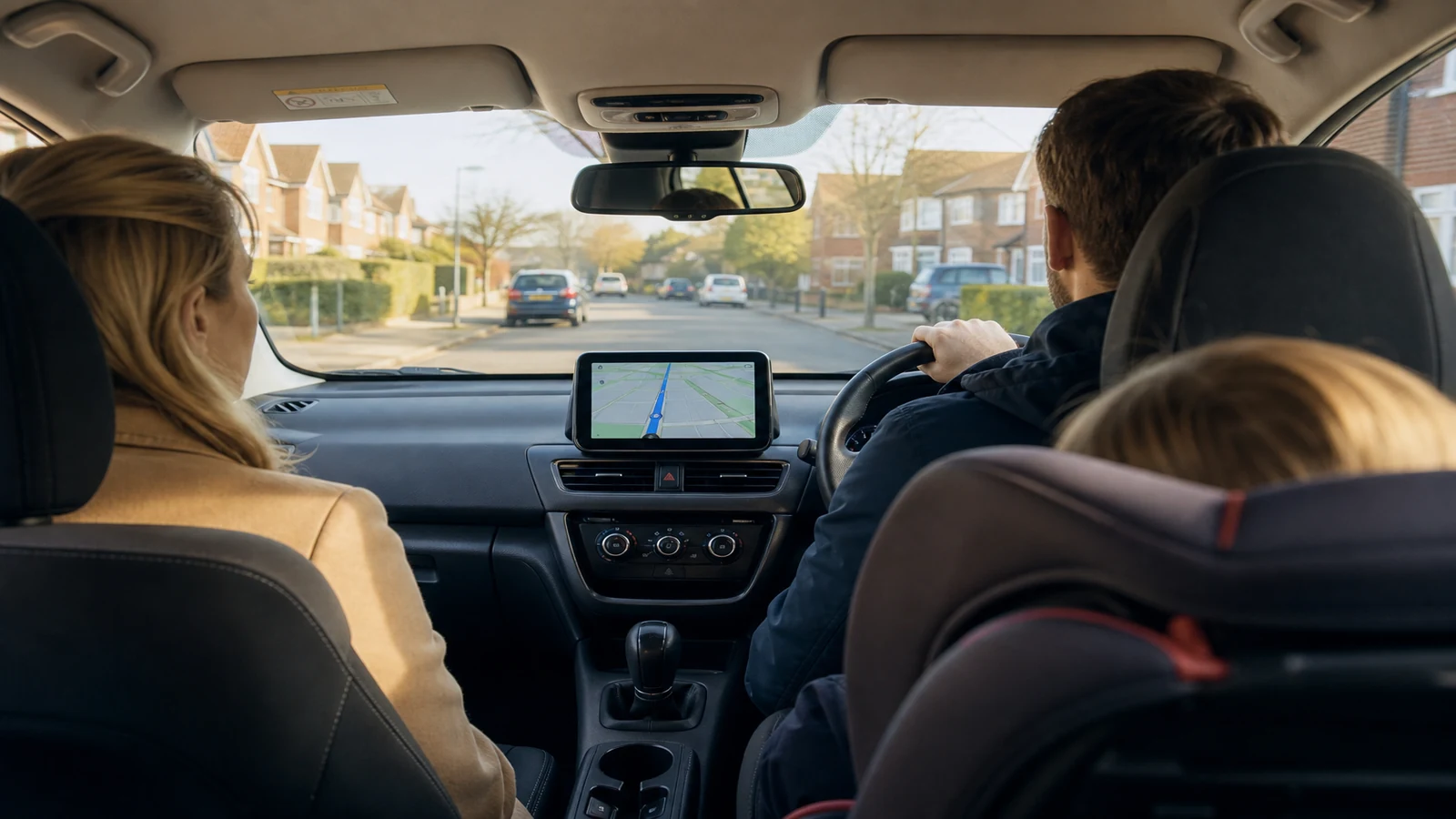
Large CarPlay screen for school run family car
School-run parents in the UK juggle timetables, traffic and chatty passengers. A phone on a vent mount works until the screen is too small in bright rain, or until notifications cover the map. A portable CarPlay display on the dash gives a larger glanceable surface for navigation and voice-led calls while the factory stereo stays as the family left it.
School-run pain points
Morning routes repeat, but delays do not. You want Waze or Apple Maps visible at a glance without picking up the phone. Passengers ask for music; you want a lawful hands-free path through CarPlay or Android Auto. At drop-off, you need to leave quickly without unplugging a nest of cables every day.
Dedicated display versus phone on a vent mount
Vent mounts are cheap and portable, but phones overheat in summer sun, screens are smaller, and each notification is a distraction. A dedicated CarPlay screen boots to driving mode, pairs wirelessly once configured, and sits where both parents can see it. Portable units also move between mum’s hatchback and dad’s estate if you buy one screen for two school runs—mount and pair in each car rather than buying two head units.
The DashScreen shop lists a portable wireless CarPlay display with wireless Apple CarPlay and Android Auto on the product page. Read the live specification for screen size, audio outputs and any dash cam features rather than assuming every family needs the same configuration.
Morning setup routine
- Mount the screen before you load child seats if the suction cup needs a clear windscreen patch.
- Power from 12V; wait for boot before pulling away.
- Phone connects wirelessly—open Maps or Spotify through CarPlay, not the bare phone UI.
- Set volume through the car speakers via AUX, FM or Bluetooth so prompts are heard over back-seat noise.
- At school, stop fully before touching the screen; let voice guidance handle reroutes on the way to work.
Second-driver and two-car households
Leave the factory radio untouched so grandparents or a partner who prefers the original stereo are not fighting an aftermarket head unit. Teach the second driver the same three-step routine: mount, power, confirm CarPlay connected. For two cars, duplicate only the mount if the seller offers spare kits, and pair each phone once per vehicle.
This is not a claim that any screen is safer than a phone in legal terms—UK mobile phone law still applies to handheld use. A fixed mount and voice control align with how CarPlay is meant to be used.
Review the portable wireless display
If a larger portable screen fits your school-run routine, check price and warranty on the DashScreen portable wireless CarPlay display page.
Can one screen move between two family cars?
Yes. Portable units are designed to unmount and remount; pair each car once in your phone settings.
Do I need different setups for iPhone and Android parents?
Most dual-platform screens support both wireless CarPlay and wireless Android Auto; confirm on the listing before you buy.
Will a bigger display block the windscreen?
Mount low on the dash where it clears wipers and your line of sight; adjust before the first school run.